


Trump
1.8M views
From boardroom blowout to surfer waves in one share card.
Glossy bobSilver quiffLow taperSurfer waves
Upload a selfie, preview the haircut on your face, then pay only when you want HD results and a stylist-ready Salon Card.
10-second result demo
That uneasy mirror moment is exactly why the preview exists: see the possible change first, then test a hairstyle on your own face.
Generate a 4-panel hairstyle card for a familiar face, drop it into a TikTok-style post, and let the comments pick the winner.
From boardroom blowout to surfer waves in one share card.

Four haircut timelines, one very comment-friendly result.
@hairstylesai
Which haircut wins?
Four fast options, one shareable result.
Top comments
@barberbrain
Option C looks like it has a quarterly roadmap.
@haircutcommittee
The 4-grid makes choosing way too easy.
@salonbestie
I would absolutely send this to the group chat first.
Photo
Style mode
Prepare the selfie
Waiting for a clear front-facing photo.
Read face and hair cues
Checking face frame, current length, volume, and forehead coverage.
Match haircut direction
Comparing safe, flattering hairstyle directions.
Choose color strategy
Deciding whether to keep color, adjust it, or let AI choose.
Step 01
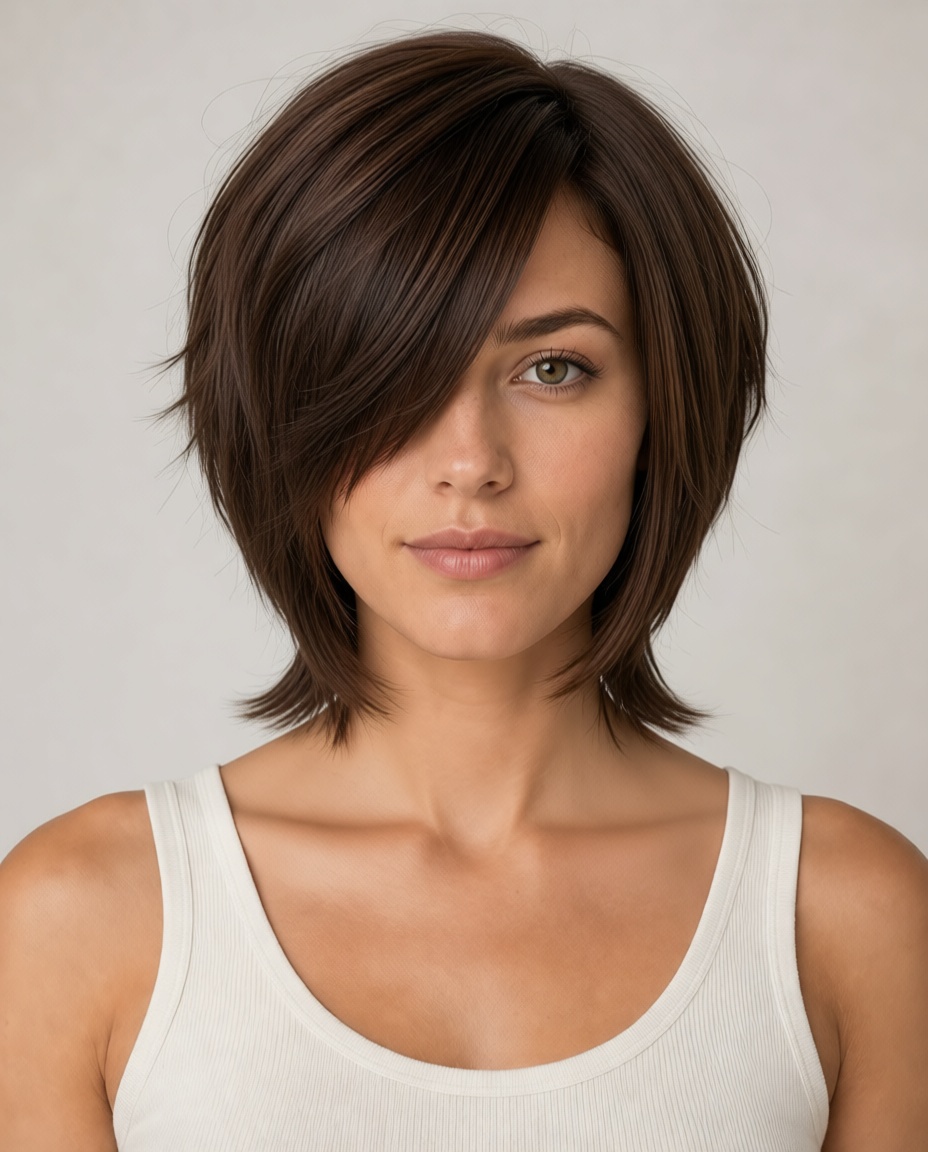
Wolf Cut
Textured layers with a salon-ready edge.
Step 02
AI will choose a realistic shade that fits skin tone and keeps the face natural.
Step 03
AI plan: Wolf Cut
Textured layers with a salon-ready edge.
Free preview first. HD export and salon card stay available after the result.
Try first, pay later
Upload a selfie and see whether the cut works before paying.
Unlock one polished result with variants and wording for your stylist.
Unlock the decision pack plus 4 scene looks for real-life context.
Real decision demos
Each preview helps answer the question people actually have before booking: will this cut fit my face, hair density, and daily routine?

Salon Card line
Keep the shortest pieces long enough to tuck back.
Try bangs without cutting real bangs.

Salon Card line
Pick the length line before the salon chair.
Jaw bob or collarbone bob?

Salon Card line
Preserve density through the bottom line.
Movement while keeping long hair.
Popular styles
TikTok trendTextured layers with a salon-ready edge.
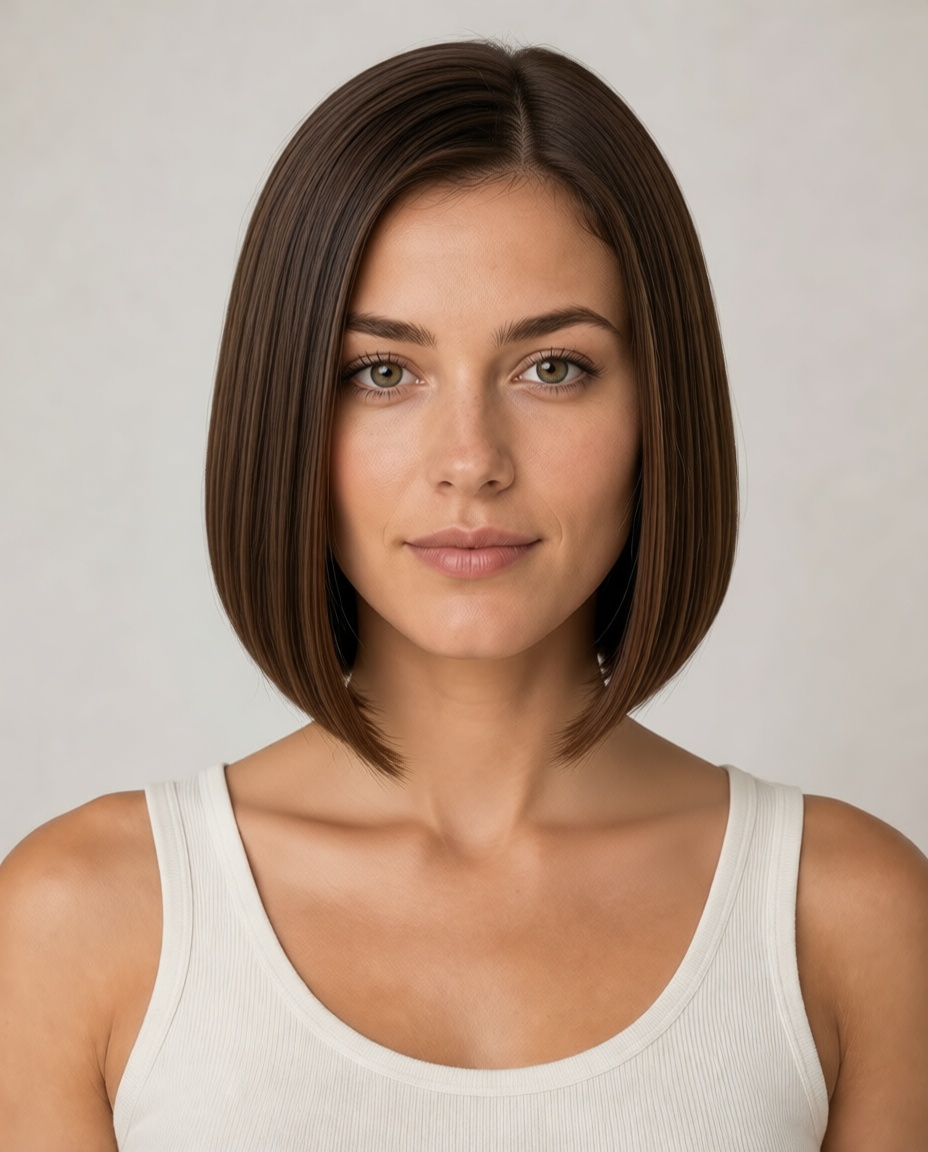 Classic
Clean shape, lower styling risk.
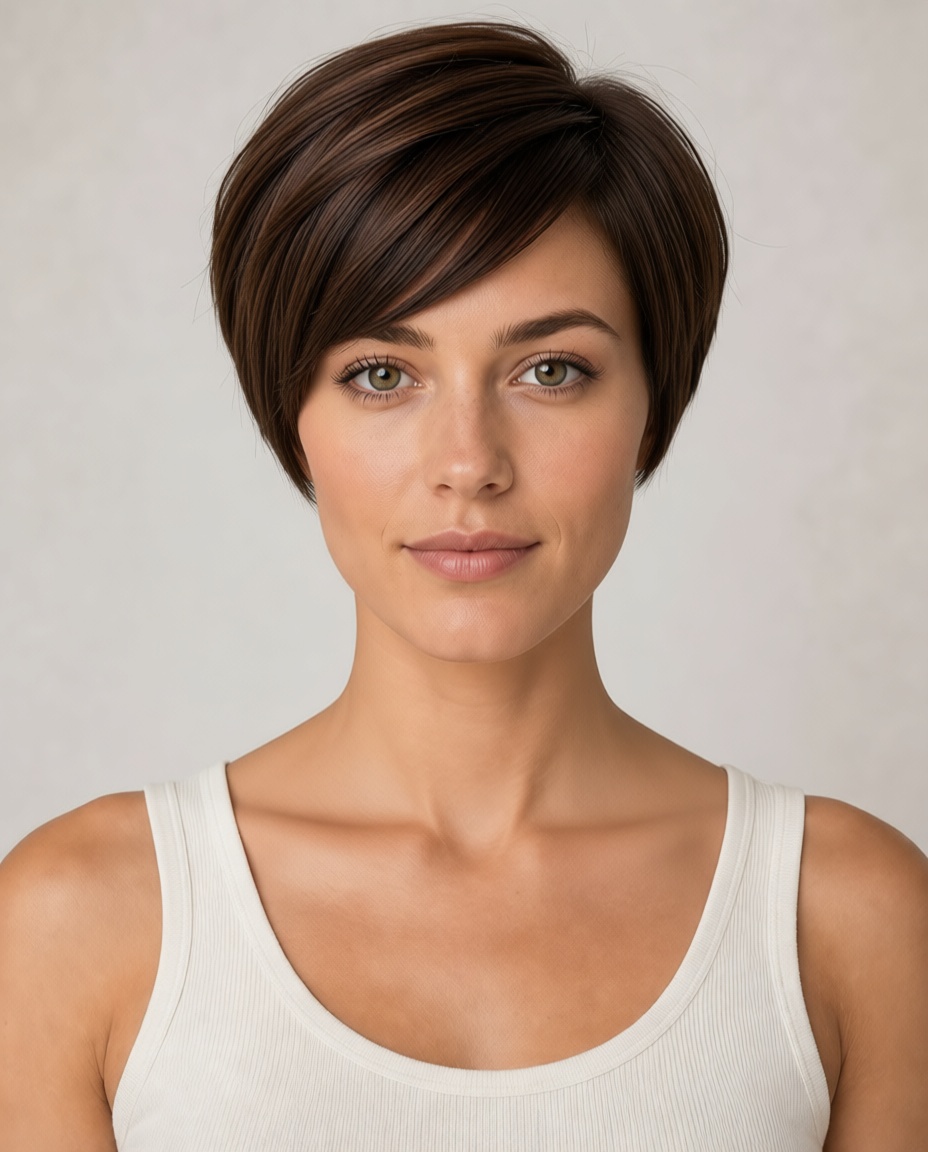 Statement cut
Short, confident, and highly intentional.
 High intent
A face-frame upgrade without losing length.
 Barber staple
Clean edges without overexposing the sides.
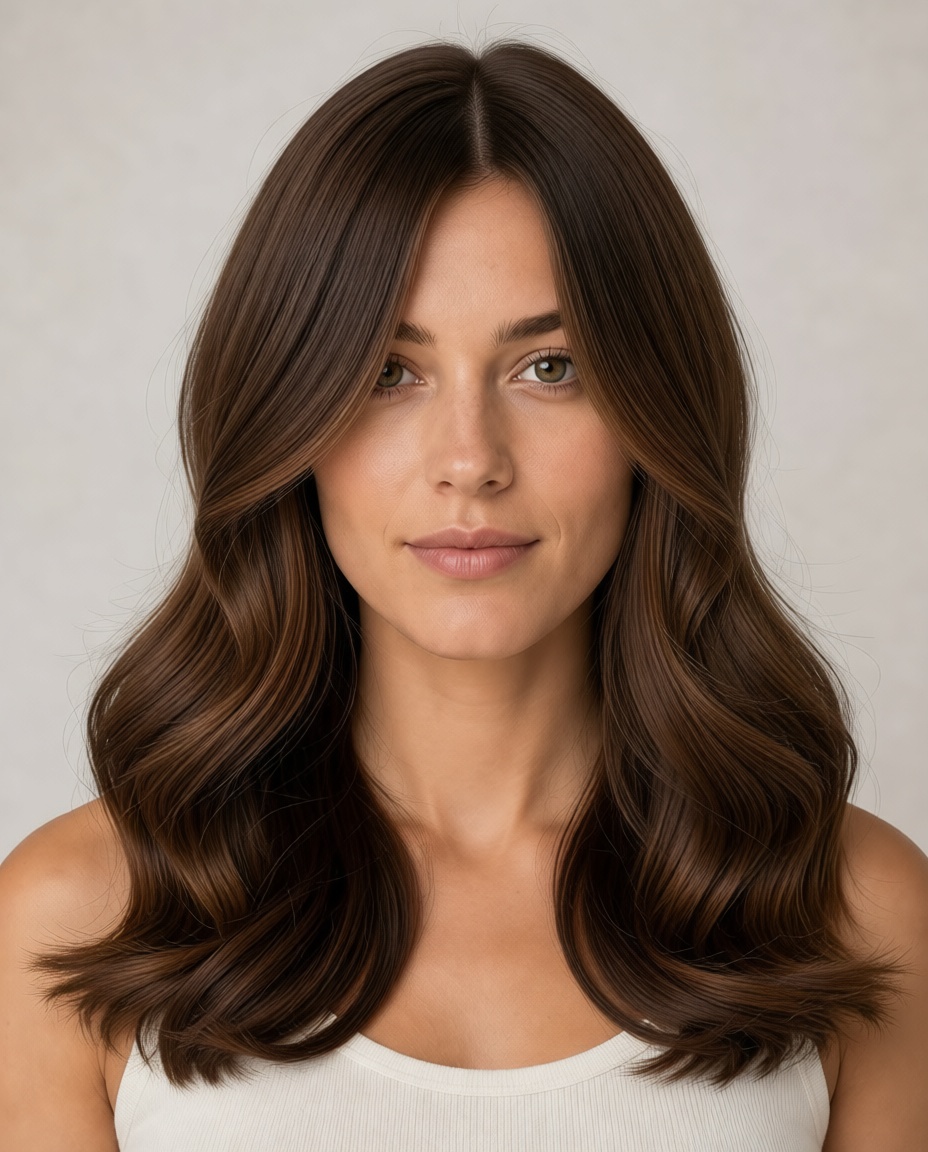 Long layer trend
Big movement while keeping length.
How it works
The product is designed around the decision you make before a salon visit: does this cut fit my face, hair texture, and daily routine?
Step 1
Use a front-facing photo with good light. Your free preview is temporary by default.
Step 2
Pick goals like face-slimming, bangs, short hair, commute-ready, or bold change before choosing a cut.
Step 3
Unlock HD results, style variants, and a stylist note you can take to the salon.
Unlock more than a picture
Competitors sell credits. HairstylesAI packages the decision: HD results, variants, fit guidance, and the exact notes to show your stylist.
Professional Tool
Example stylist note
“Keep volume through the crown, add face-framing layers near the cheekbones, and avoid removing too much weight near the jawline.”
FAQ
Practical answers for the moments that usually slow people down: photo quality, payment, privacy, realism, and what to show the stylist.
Use a front-facing selfie with good lighting, visible hairline, and your hair not covered by hats, sunglasses, hands, or heavy shadows. A neutral expression and a photo taken at eye level usually give the most realistic preview.
Yes. The homepage flow is designed around a free low-resolution fit check before payment. You only pay when you want HD no-watermark results, saved history, variants, or a stylist-ready Salon Card.
The preview is meant to help you judge direction, face framing, length, volume, bangs, and color before a real cut. It is not a guarantee that every strand will behave exactly the same in a salon, so use it as a decision aid and bring the Salon Card to your stylist.
Paid results include HD no-watermark images, hairstyle variants, saved history, and a Salon Card with notes your stylist can understand, such as length, face-framing guidance, volume, bangs, layers, and caution points.
No. The privacy policy states that uploaded photos are used for your hairstyle generation flow and are not used to train AI models. Anonymous free-preview photos and generated previews expire by default after 48 hours.
A Salon Card turns the AI result into practical stylist notes. Instead of only showing a pretty picture, it summarizes length, layers, bangs, volume, face-framing, color direction, and what to avoid.
Failed generations are not intended to charge you for a usable result. If something looks wrong, try a clearer photo or a more specific style direction. For paid issues, contact support with your account email and task ID.
Yes. The website works in modern mobile browsers. For best results, upload a clear selfie from your camera roll, avoid low-power mode during generation, and keep the page open until the preview starts.